
Welcome to TileMenu, the Confluence plugin that revolutionizes the way you create, customize, and navigate through menus using a dynamic tile-based layout. This manual guides you through setting up TileMenu, customizing your tile menus, and utilizing advanced features to enhance your Confluence space.
Installation
Navigate to the Atlassian Marketplace and search for "TileMenu for Confluence".
Click "Install" and follow the prompts to add TileMenu to your Confluence instance.
Basic Setup
Creating a Menu
Insert the "TileMenu" Macro in a page.
Customizing Tiles
Tile Content
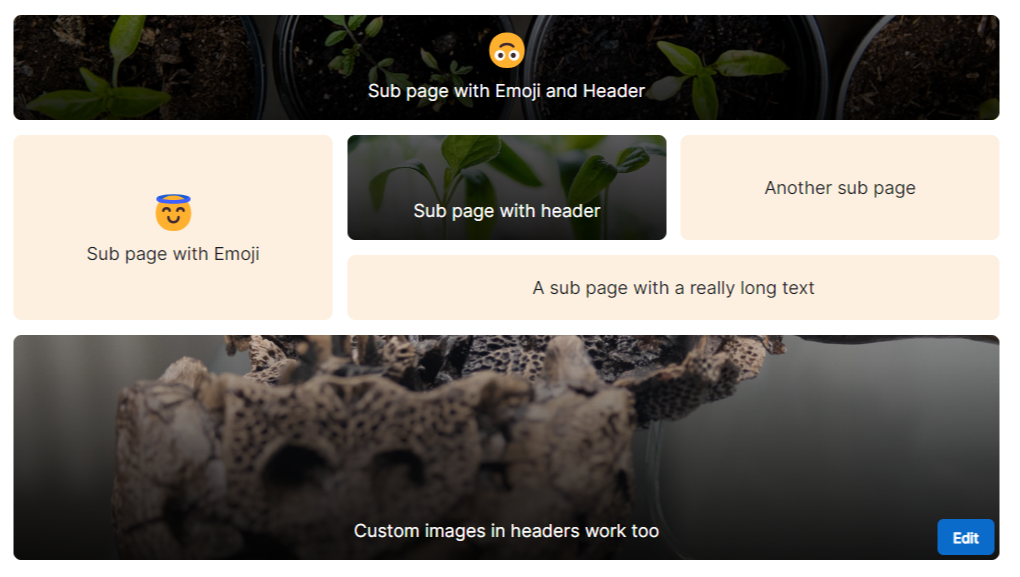
For each sub page, a tile will be generated. The title, emoji and cover images are taken from those pages.
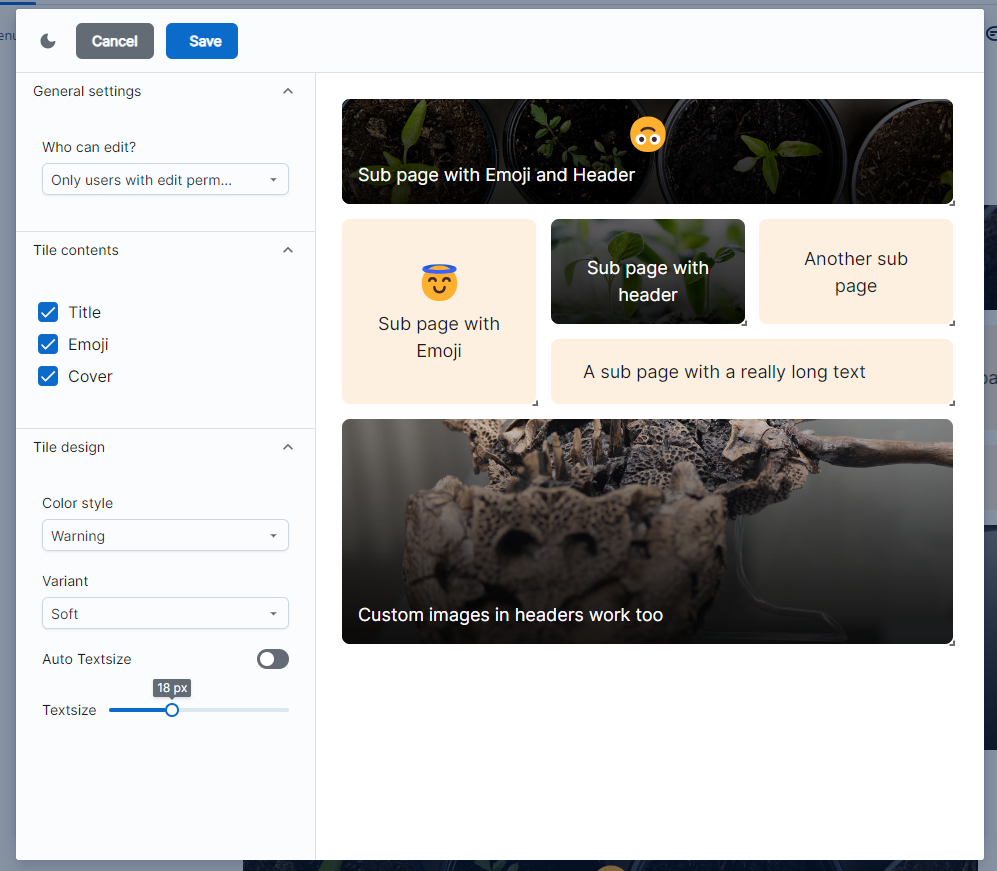
You can decide in the settings if you want to disable the cover image or emoji.
The color style and variant of the card can be set using the corresponding dropdown menus.
Text Sizing
You can set a static text size or use auto sizing for the titles.
Rearranging Tiles
In the edit popup, you can rearrange your tiles. You can resize each tile by clicking in the bottom right corner of a tile. Move the tiles using drag’n’drop.
To save your changes, press the "Save" button in the top bar of the popup. Pressing "Cancel" or clicking outside of the popup discards your changes.
Permissions and Tile Rearrangement
Control who can rearrange tiles by setting permissions. You can allow all users to rearrange tiles or restrict this ability to users with edit permissions on the page.
Theme Preview
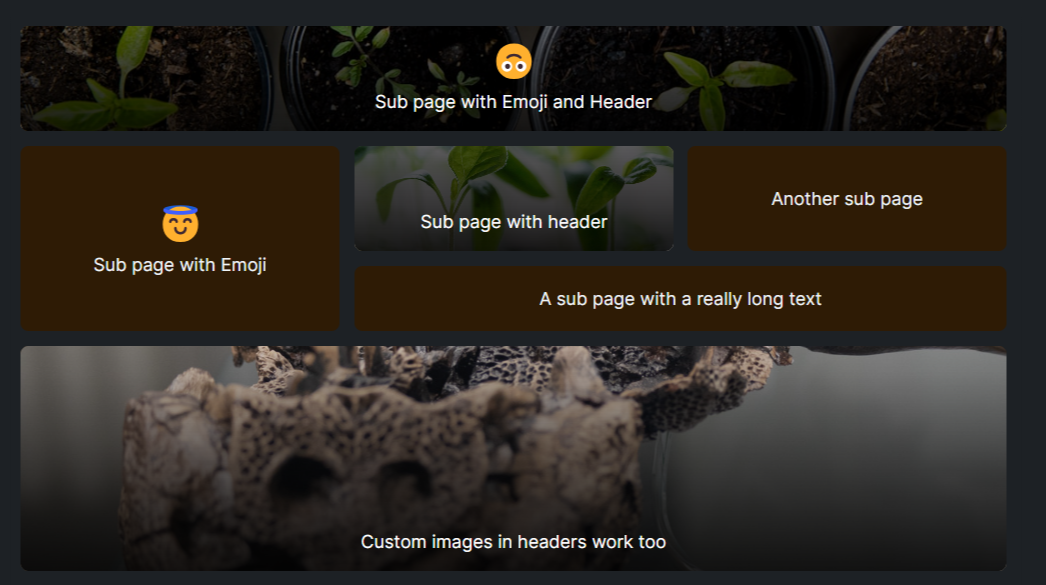
You can preview how the menu looks in the dark and light theme by pressing the theme toggle button in the top left corner of the popup.
Tips for Effective Use
Consistency is Key
Maintain a consistent style and size for tiles to enhance user navigation and overall aesthetic.
Regularly Update Tiles
Keep your tiles updated with the most relevant content and images to ensure your Confluence space remains engaging and informative.
Utilize Emojis Wisely
Select emojis that clearly represent the content of each subpage for quicker identification.
Troubleshooting
Tiles Not Displaying Correctly:
Ensure your browser is up to date and clear your cache. If issues persist, check Confluence’s compatibility mode settings.
Permissions Issues:
Verify that the correct permissions are set for users attempting to rearrange tiles. Contact your Confluence administrator for further assistance.
For additional support, visit our FAQ section on the TileMenu Marketplace listing or contact our support team at [email protected].